Based on John Hicks article, here is how to add TextBook reference manual within Coda editor:
- First, Command-6 to go to the books view, and click the add icon bottom left. In the sheet that appears, enter the title TextBook and the URL:
https://docs.textpattern.com/tags/Category:Tag_Reference - Next, in the ‘use for mode’, select the language it references. In this case, choose PHP/HTML.
- Finally, add the search URL. For TextBook website, this is this one:
https://docs.textpattern.com/search/?q=*
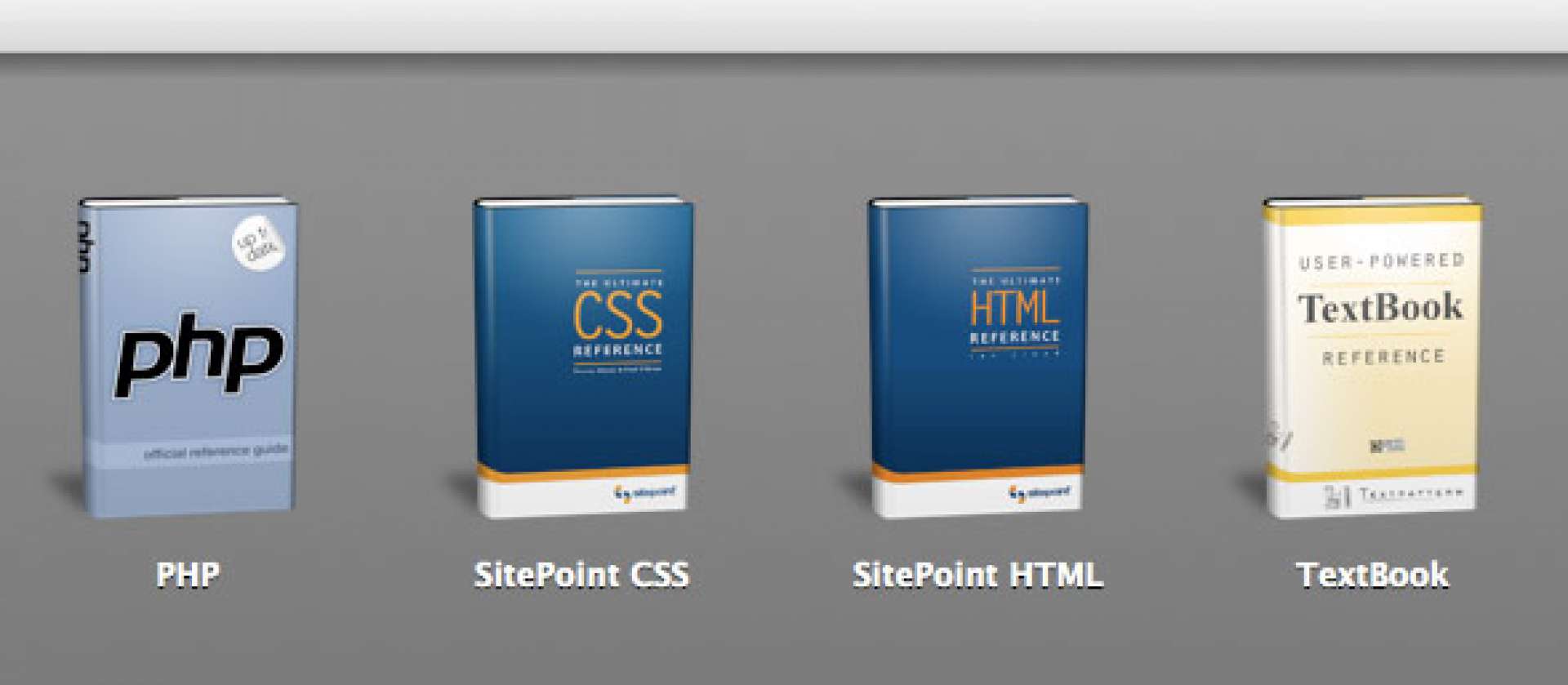
If you wish, you can also drag in this image to represent TextBook.

Done! You can now access to TextBook reference manual directly within your Coda editor. Pretty useful.
Oh man, thanks for this! I’m loving Coda even more, now!
Great addition! Here are some of the others I found/made icons for. Enjoy.
Adding More Books to Coda
WOW!
Oh hOw I wish I had found this tip a long time ago — superb, thanks all SO much \o/
I’ve updated the Coda book image to reflect the current branding of Textpattern.
New book image